

Table of Contents
- How Long Do Cordless Vacuum Batteries Last?
- How to Maintain Cordless Vacuum Battery Life: Charging Habits That Work
- Best Practices for Lithium-Ion Battery Storage
- Suction Power Settings and Runtime: What Actually Saves Battery
- Filter Maintenance and Airflow: The Overlooked Battery Saver
- Signs of a Failing Vacuum Battery and When to Replace It
- Troubleshooting Battery Indicators and Seasonal Storage Tips
- Conclusion: Build Habits That Protect Your Battery
- Frequently Asked Questions
Last Updated: September 25, 2026
How Long Do Cordless Vacuum Batteries Last?
A cordless vacuum battery typically lasts two to three years before capacity drops enough to notice. Most models use lithium-ion cells rated for several hundred full discharge cycles.
That number sounds generous until you realize how fast cycles add up. A daily ten-minute clean drains a meaningful share of the pack each time.
So the real question isn't the rating on the box. It's how you treat the battery between charges.
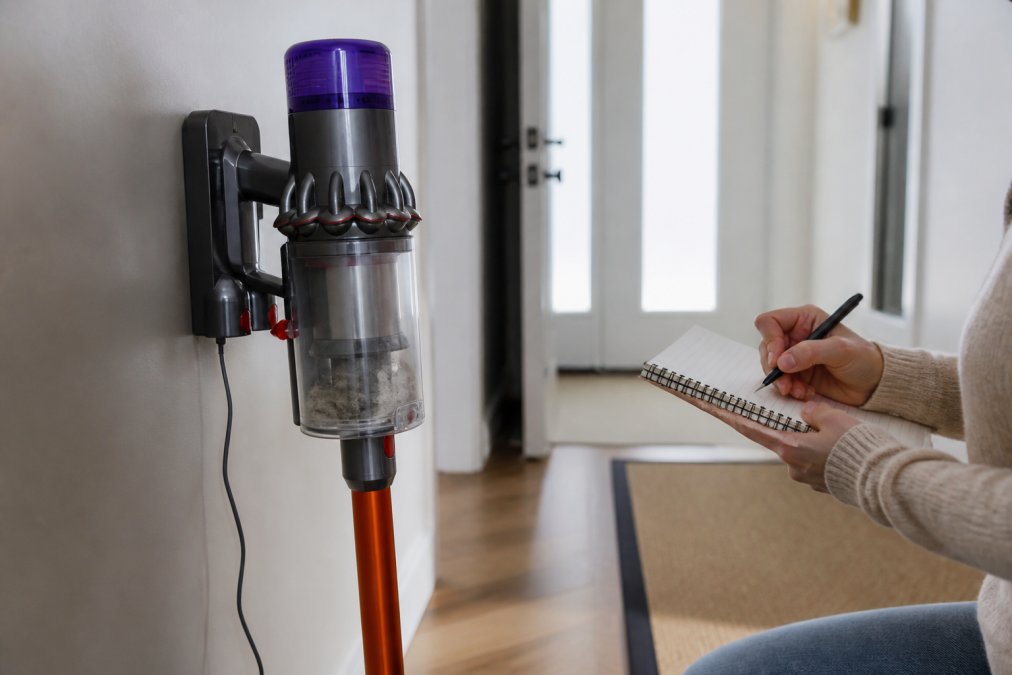
Learning how to maintain cordless vacuum battery life comes down to three things: charge habits, heat control, and airflow. Get those right and you'll stretch the pack well past the warranty.
This guide walks through each habit in order, plus the warning signs that a battery is on its way out.
How to Maintain Cordless Vacuum Battery Life: Charging Habits That Work
The best charging habit is simple: keep the pack between roughly 20% and 80% charge for daily use. Full discharges and long stays at 100% both wear the cells faster.
Lithium-ion batteries age in two ways. They lose capacity as they cycle, and they lose it faster when held at high voltage or high heat.
A common mistake is leaving the vacuum on the dock for weeks. That keeps the pack topped off, which slowly stresses it.
- Charge after use, not before
- Unplug once the light shows full
- Store at about half charge if you won't use it for a while
- Avoid charging in a hot garage or sunny car
Why Deep Discharge Shortens Battery Life
Deep discharge means running the pack down to zero. Doing that often is the fastest way to kill a cordless vacuum battery.
Each cell has a safe voltage floor. Drop below it and the chemistry changes in ways that don't reverse.
Most vacuums cut power before true zero. Still, a full drain to the cutoff point is harder on the cells than a partial one.
Cool Down Before You Recharge
Let the vacuum sit for 15 to 30 minutes before you dock it. A warm pack charges less efficiently and ages faster.
Heat is the quiet enemy here.
Best Practices for Lithium-Ion Battery Storage
Store the vacuum at around 50% charge in a cool, dry spot. Heat and full charge are the two conditions that age lithium-ion cells the most.
- Ideal storage temp: roughly 60 to 75°F
- Avoid: attics, garages, and cars in summer
- For long storage: check the charge every few months and top up to half
Suction Power Settings and Runtime: What Actually Saves Battery
Eco mode is the single biggest lever on runtime, and it's also the biggest lever on how fast the pack ages. Dropping from max to a lower setting can roughly double how long a charge lasts on most stick vacuums, but the more important number is what it does to the cells over hundreds of cycles.
Why Power Modes Accelerate Wear
Think of the pack as having a fixed budget of stress it can absorb before capacity drops. Every cycle spends some of that budget. A gentle eco-mode cycle spends a little. A max-mode cycle that runs the pack hot and drains it deep spends a lot more.
- Current draw: Higher suction settings pull more amps, which means more internal resistance heating.
- Depth of discharge: Max mode drains the pack faster, so you're more likely to hit the low-voltage cutoff in a single clean.
- Thermal stacking: The motor heat and the cell heat add together, pushing the pack past its comfort zone.
Matching the Setting to the Job
- Hard floors and light debris: lowest setting
- Low-pile rugs and routine cleaning: mid setting
- Deep carpet, embedded hair, or a specific stubborn patch: max, briefly
That habit alone can add months to a pack's useful life, and it costs you nothing but a little patience on the stubborn spots.
Filter Maintenance and Airflow: The Overlooked Battery Saver
A clogged filter makes the motor work harder, and a harder-working motor pulls more power. Cleaning the filter is one of the easiest ways to protect runtime.
- Tap out the filter after every few uses
- Rinse washable filters and let them dry fully
- Replace filters on the schedule in your manual
- Check the brush roll for wrapped hair
Signs of a Failing Vacuum Battery and When to Replace It
Shorter runtime is the first clear sign of a failing vacuum battery. If a charge that used to last 30 minutes now lasts 10, the pack is telling you something.
Other signs to watch for:
- The vacuum dies suddenly at partial charge
- The battery feels hot during normal use
- Charge time gets longer while runtime gets shorter
- The indicator light behaves differently than before
Troubleshooting Battery Indicators and Seasonal Storage Tips
A blinking or odd indicator light usually points to one of a few causes, and the pattern itself is a clue. Before you assume the pack is dead, work through the likely causes in order, most indicator issues resolve with a cool-down, a clean charge, or a contact cleaning.
Reading the Indicator Patterns
| Symptom | Likely Cause | What to Try |
|---|---|---|
| Blinking red light | Overheating | Let it cool 30 minutes, then recharge |
| Light won't turn on | Deep discharge | Charge for 30 minutes before expecting a reading |
| Charges then dies fast | Worn cells | Test runtime against a known baseline, consider replacement |
| No charge at all | Dock or contact issue | Clean the contacts, check the charger and outlet |
| Alternating or rapid blink | Charger or pack fault | Try a different outlet, then contact the manufacturer |
Indicator behavior varies by brand, so check your manual for the specific code. What matters is the pattern: a heat-related blink clears after a cool-down, while a worn-cell pattern gets worse over time rather than better.
Why Long-Term Storage Is Different From Daily Storage
Daily storage is simple, keep the pack cool and don't leave it pinned at 100%. Long-term storage, for a vacuum you only use seasonally, is a different problem. A pack held at full charge for months sits at high voltage the entire time, and high voltage is one of the two conditions (along with heat) that ages lithium-ion cells fastest.
That's why the seasonal routine matters:
- Charge to about half before putting the vacuum away.
- Store it in a cool, dry room, not an attic, garage, or car.
- Check the pack every couple of months and top it back to half if it has drifted down.
- Avoid storing it on the dock, where it will stay topped off.
Bringing a Stored Vacuum Back
When you take the vacuum out of storage, don't expect full performance on the first charge. Run it through a normal charge cycle, then use it on a lower setting for the first clean or two. If runtime is noticeably shorter than you remember, the pack may have aged during storage, a runtime test against a known baseline will tell you whether it's worth replacing.
Conclusion: Build Habits That Protect Your Battery
Cordless vacuum batteries don't fail overnight. They wear down through small daily choices: how you charge, where you store, and how hard you push the motor.
Frequently Asked Questions
Should you leave your cordless vacuum plugged in all the time?
For most modern cordless vacuums, leaving the vacuum on its charging dock is fine because the charger stops or reduces current once the battery reaches full charge. Older models or cheap chargers may continue trickle charging, which adds heat and shortens cycle life. If the dock or battery feels warm hours after reaching full charge, unplug it. For long-term storage, unplug the charger and store the battery at about 50% capacity.
Do lithium-ion batteries degrade if the vacuum is left unused for long periods?
Yes. Lithium-ion batteries lose capacity over time even when idle, and storing them at 100% or 0% speeds that loss. For seasonal storage, charge the battery to around 50%, remove it from the vacuum if the manual allows, and keep it in a cool, dry spot between 50°F and 77°F. Recharge to 50% every few months so the cells do not drop into deep discharge, which can permanently reduce capacity.
How can you tell if a cordless vacuum battery is bad?
Common signs of a failing vacuum battery include runtime that has dropped by half or more, the vacuum shutting off suddenly under load, the battery or charger feeling unusually hot, and the indicator light flashing an error pattern. If the vacuum only runs on low suction or dies within a few minutes of a full charge, the battery is likely at the end of its cycle life and ready for replacement.
How does temperature affect cordless vacuum battery health?
Lithium-ion cells work best between 50°F and 77°F. Charging a hot battery right after vacuuming adds thermal stress and speeds degradation, so let it cool for 30 to 60 minutes first. Storing the vacuum in a hot garage or a freezing shed also shortens battery life. Keep the charging dock in a climate-controlled spot, and never charge a battery that is below freezing.